Maybe the last system your institution bought was meant to take three months and took nine. Maybe your officers still keep a spreadsheet alongside it. If so, when someone suggests launching digital loan onboarding on WhatsApp, Messenger, web chat and an app all at once, you already know how that story can end.
If you run a microfinance institution, or you're the operations manager who will have to make the rollout work, this roadmap is for you. A big-bang launch puts every risk in the same month.
Start with one channel, go live on it in weeks, learn from your first applications, and add the next door only when your borrowers show you they need it. Borrowers who enrol once can use the same profile on every channel you add.
Why a phased rollout beats a big-bang launch
Launching one channel is a smaller job in every direction: one number to set up, one set of conversations to watch, one thing for your officers to learn.
Every channel at once
- Four channels configured together
- Officers trained on everything
- Problems surface everywhere
- Months before the first application
One channel first
- One WhatsApp number
- Officers learn one queue
- Problems surface in one place
- Live in about two weeks
The development-finance research points the same way. Writing for CGAP in 2018, Greta Bull advised microfinance institutions to "start small, gain experience and grow your digital business gradually" (CGAP). IFC's field note on change management for digital channels recommends a step-by-step approach: test with staff first, then customers at one branch, then one region, before rolling out to the rest of the market (IFC, Field Note 8).
Which channel should come first?
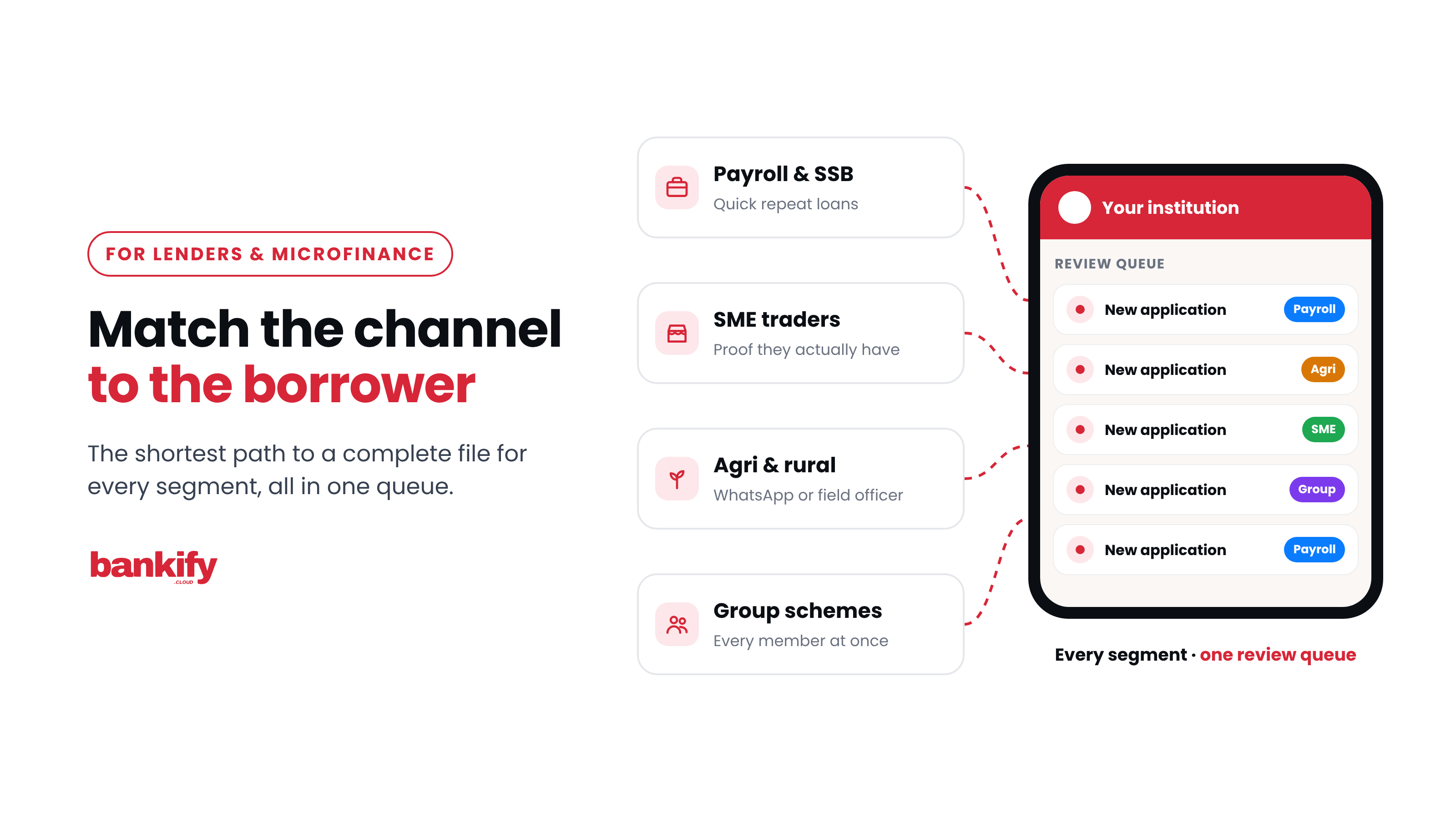
A good first channel is usually WhatsApp, because it's where borrowers already message, and where your officers may already be collecting documents on their own phones. If you haven't settled the first channel yet, the five questions in Choosing Your Self-Service Channels will help, and Match the Channel to the Borrower shows which channel suits payroll, SME, agri and group lending.
Bankify's Starter plan is built for this first step: WhatsApp onboarding on one number, up to about 300 applications a month, and it goes live in about two weeks (Bankify pricing).
Your digital loan onboarding roadmap
Here's a rollout that keeps each step small enough to get right.
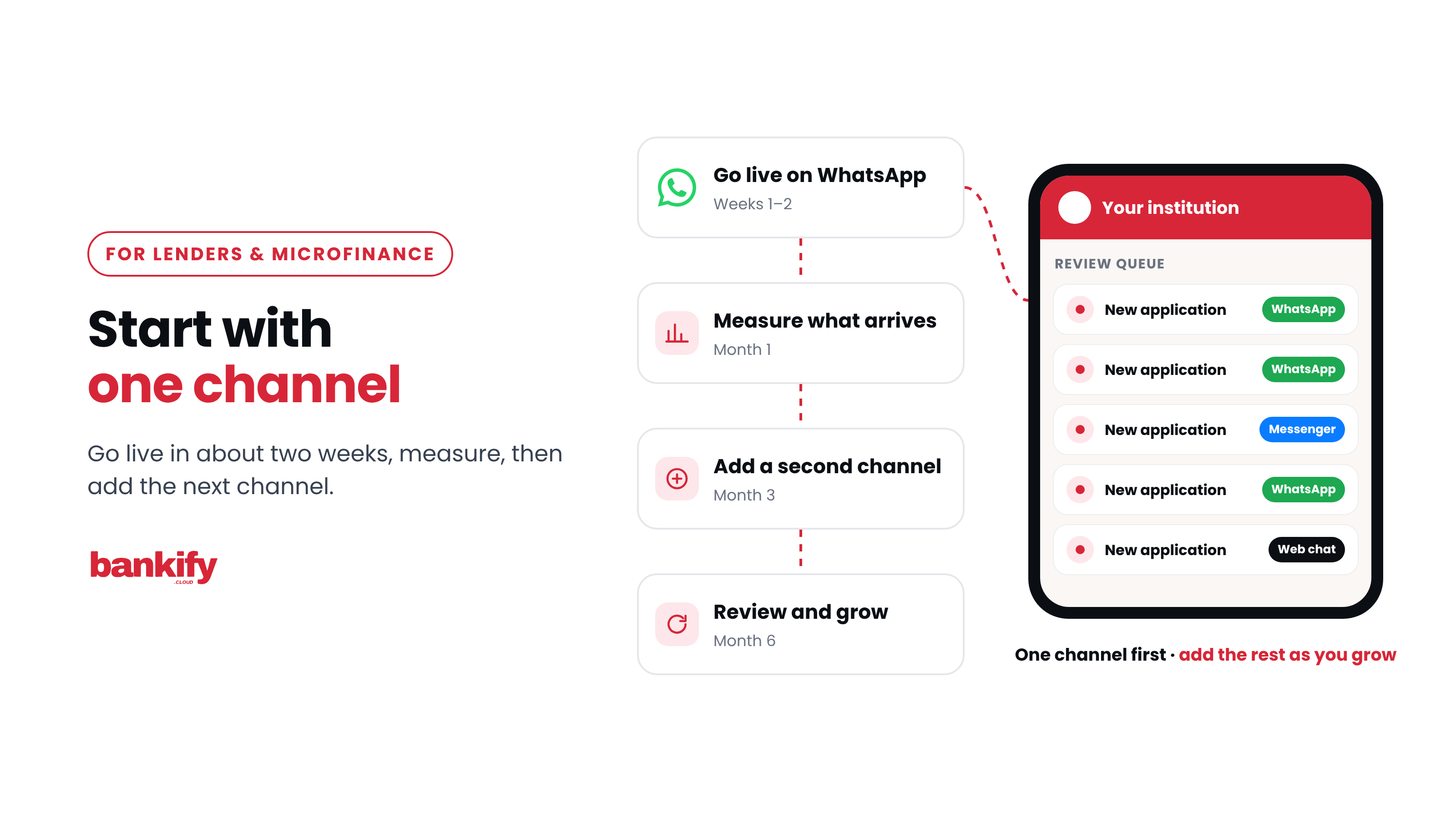
From one channel to several
Weeks 1–2, go live on WhatsApp
Connect your number, set your loan products and document rules, and take your first real applications.
Month 1, measure
Count what arrives and how complete it is before you change anything.
Month 3, add the second channel
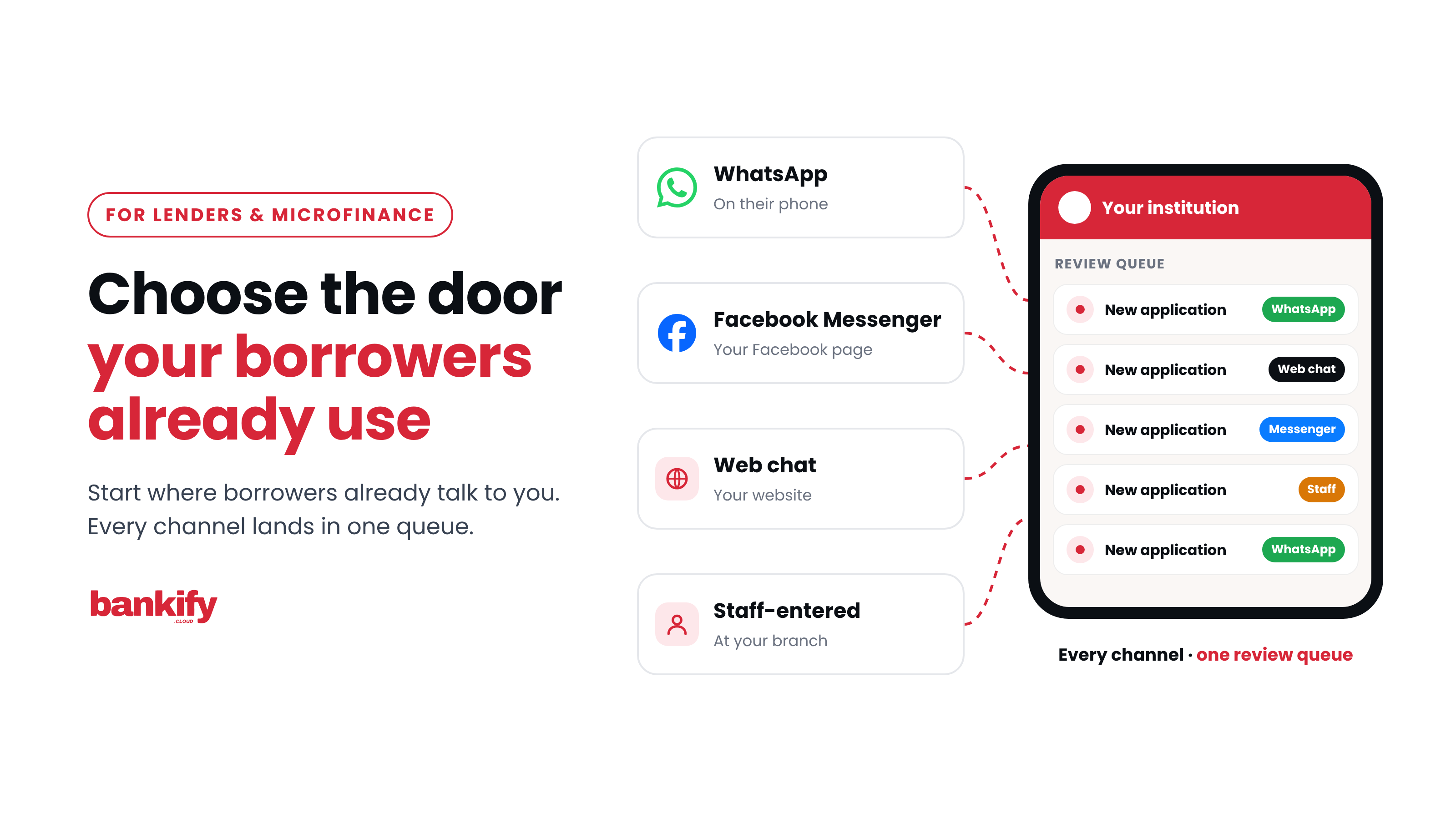
Add Messenger or web chat where your first month's numbers point.
Month 6, review
Decide whether you need more numbers, more channels or a bigger allowance.
The months are a guide. What matters is that each step starts from what the last one taught you.
What to measure in your first month
Your review queue holds the answers. Every application carries a reference number and a timeline of its steps, and every borrower gives a residential address when they enrol. In your first month, look at:
- How many applications arrived, week by week.
- When they arrived. The share that came in after office hours or at weekends is demand your branch couldn't take.
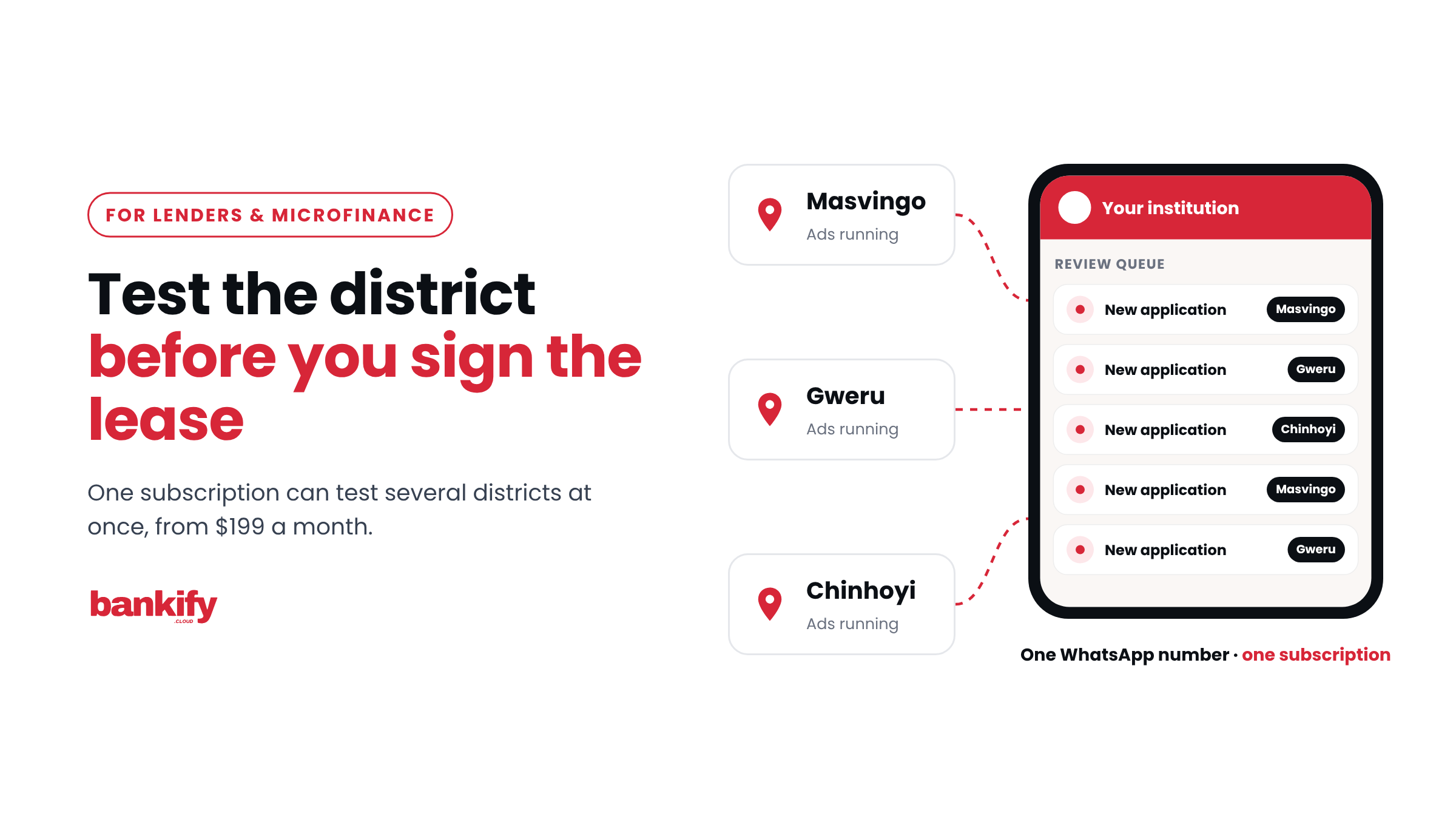
- Where they came from. Borrowers' addresses show which districts are applying, including ones without an office. Testing a district before you open a branch works the same way.
- How complete they were. Count how many passed the document checks and how many your officers had to follow up.
Those four numbers tell you whether the first channel is working, and where a second one would help.
When to add a second channel
Add the next channel when your borrowers give you a reason.
| What you're seeing | The channel to add |
|---|---|
| You run Facebook or Instagram ads, and people message your page | Messenger |
| Your website gets visitors, but the PDF form never comes back | Web chat |
| One WhatsApp number is busy with several products or districts | A second WhatsApp number |
| Your allowance alerts start arriving | A bigger plan |
On Bankify's Growth plan, Messenger and a chat widget on your own website join WhatsApp, with up to three WhatsApp numbers. Upgrades take effect immediately from your cockpit, and the new features switch on straight away (Bankify pricing). If you outgrow your allowance first, you're told at 80% and 100% of it, and every customer who messages your bot is still served.
One borrower profile across every channel
Adding a channel adds a door to the same building. The borrower doesn't start again.
One borrower, two channels
Enrols on WhatsApp
ID and documents captured once
Sets a PIN
Used to sign in next time
Signs in on Messenger
Same PIN, no new enrolment
One review queue
Both channels, same officers
In Bankify, a borrower who enrols on WhatsApp sets a PIN once and can sign in with it on Messenger, and web chat conversations land in the same inbox as WhatsApp and Messenger. Your KYC rules, products and officers stay as they are when the new channel opens.
Start with a paid pilot
If even one channel feels like a big step, Bankify offers a paid pilot: your bot is set up on your WhatsApp number with your own loan products and ID checks, and you run it with real customers. The pilot is credited against the setup fee when you go live (Bankify pricing).
Frequently asked questions
How long does it take to launch digital loan onboarding?
On Bankify's Starter plan, WhatsApp onboarding goes live in about two weeks. You connect your number, set your loan products and document rules, and start taking real applications.
Which channel should a microfinance institution start with?
Start where your borrowers already talk to you. Often that's WhatsApp, the most-used mobile internet platform in Zimbabwe in POTRAZ's figures for the first quarter of 2026 (ITWeb Africa). If your enquiries come mainly through Facebook ads or your website, Messenger or web chat may suit you better as a second step.
Do borrowers have to enrol again when we add a channel?
In Bankify, a borrower who enrols on WhatsApp sets a PIN and can sign in with it on Messenger, and every channel lands in the same review queue.
Can we try it before committing to a plan?
Yes. A paid pilot sets your bot up on your WhatsApp number with your own products and ID checks, and the pilot is credited against the setup fee when you go live.
Start small. Compare the plans on the Bankify pricing page, or book a 15-minute walkthrough and we'll show you one borrower enrolling on WhatsApp and signing in on Messenger with the same PIN.
Next in this series: How to Launch WhatsApp Loan Onboarding in Two Weeks.