Your board wants an app. Your loan officers say borrowers are already on WhatsApp. Someone on the team has seen a competitor's Facebook page answering enquiries at midnight, and your IT contractor has quoted for a form on the website. Everyone agrees you need a digital front door. Nobody agrees which one.
If you run or manage operations at a microfinance institution with one, two or three offices, you can't afford to build every channel at once, and you can't afford to pick one your borrowers ignore.
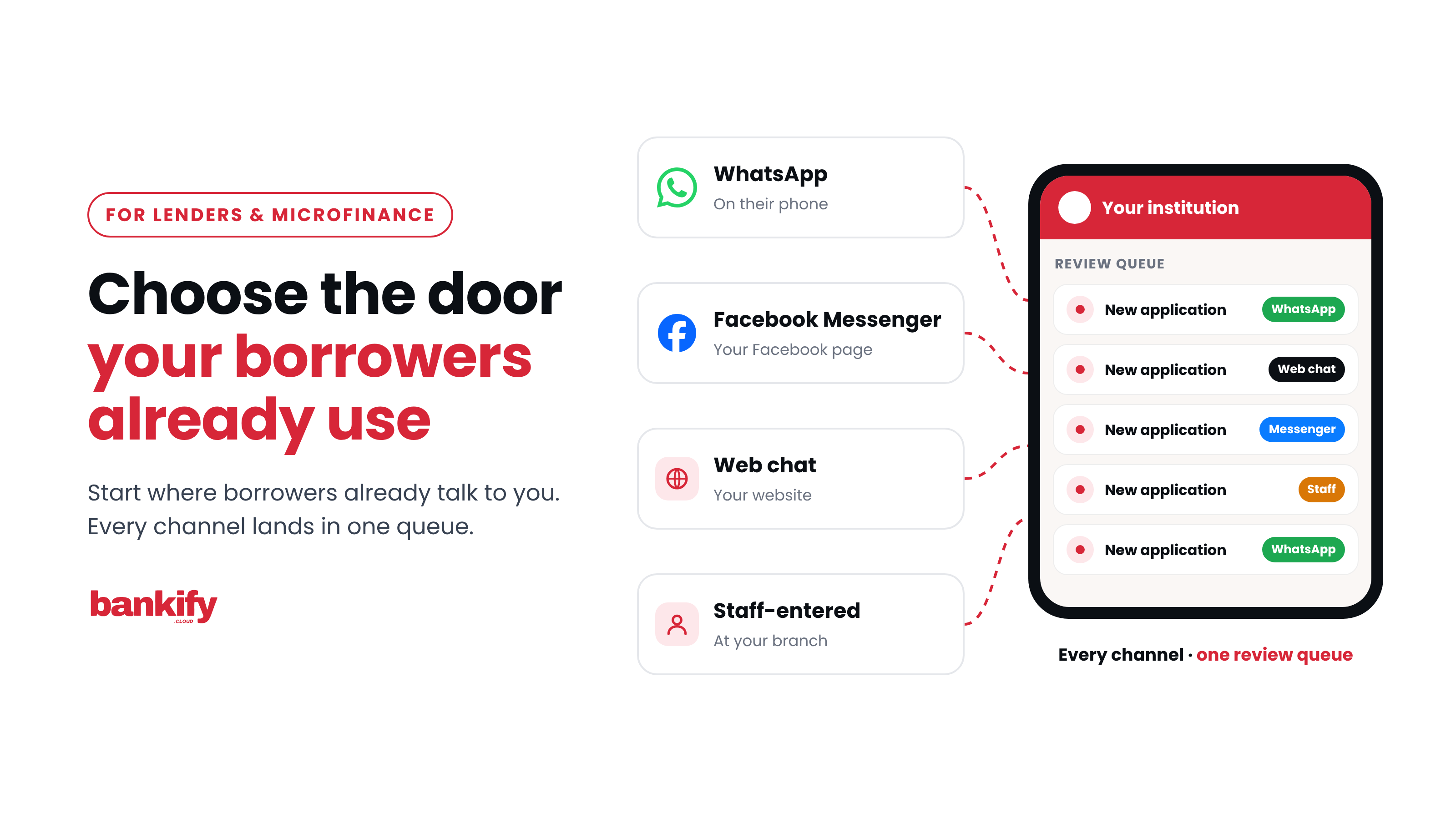
Choose your channels the way your borrowers will: start where they already talk to you, check what each channel can capture, and put every channel on one engine so you can add the next one without starting again.
Five questions to ask of any channel
Every channel can be judged with the same five questions. Ask them before you ask about features.
Five questions for any self-service channel
Where do borrowers already talk to you?
A channel your borrowers open every day needs no persuading. One they must install or look for does.
What does a conversation cost?
Count the platform fees, any per-message charges and the staff time it takes to answer.
Can it capture a complete file?
A loan application needs photos of an ID, a proof of residence and often a payslip. The channel has to carry them.
Can the borrower come back to it?
Borrowers return to check their status and to apply again. The channel should recognise them when they do.
Where do your ads send people?
If you already pay for Facebook or Instagram ads, the channel your ads open is the first door a new borrower walks through.
Start where your borrowers already are
The first question usually settles the first channel.
Where Zimbabwe's phone users are
#1
WhatsApp's rank among mobile internet platforms
POTRAZ figures for the first quarter of 2026.
2.60M
Facebook ad reach in Zimbabwe
The audience Meta's ad tools could reach, late 2025 (DataReportal 2026).
641K
Messenger ad reach in Zimbabwe
The audience Meta's ad tools could reach on Messenger, late 2025 (DataReportal 2026).
WhatsApp was the most-used mobile internet platform in Zimbabwe in POTRAZ's figures for the first quarter of 2026 (ITWeb Africa). Meta's advertising tools showed a Facebook audience of 2.60 million people in Zimbabwe in late 2025, and a Messenger audience of 641,000 (DataReportal, Digital 2026: Zimbabwe). Ad audiences show how many people you could reach with an ad on each platform, which makes them a useful guide to the size of each door.
Your own records are the better guide. Ask your loan officers where enquiries arrive today. If the answer is "on my WhatsApp", that's your first channel.
The channels, side by side
| Channel | Where borrowers find it | What the borrower needs | Best for |
|---|---|---|---|
| Already on their phone | WhatsApp and some data | Most lenders' first channel | |
| Messenger | Your Facebook page and Facebook ads | A Facebook account | Lenders who get enquiries on Facebook |
| Web chat | Your own website | A browser | Lenders whose website gets visitors |
| Mobile app | An app store | Space on the phone, then updates | Borrowers who come back every month |
| Staff-entered | Your branch or field officer | Nothing at all | Borrowers without a smartphone |
WhatsApp: the channel borrowers already use
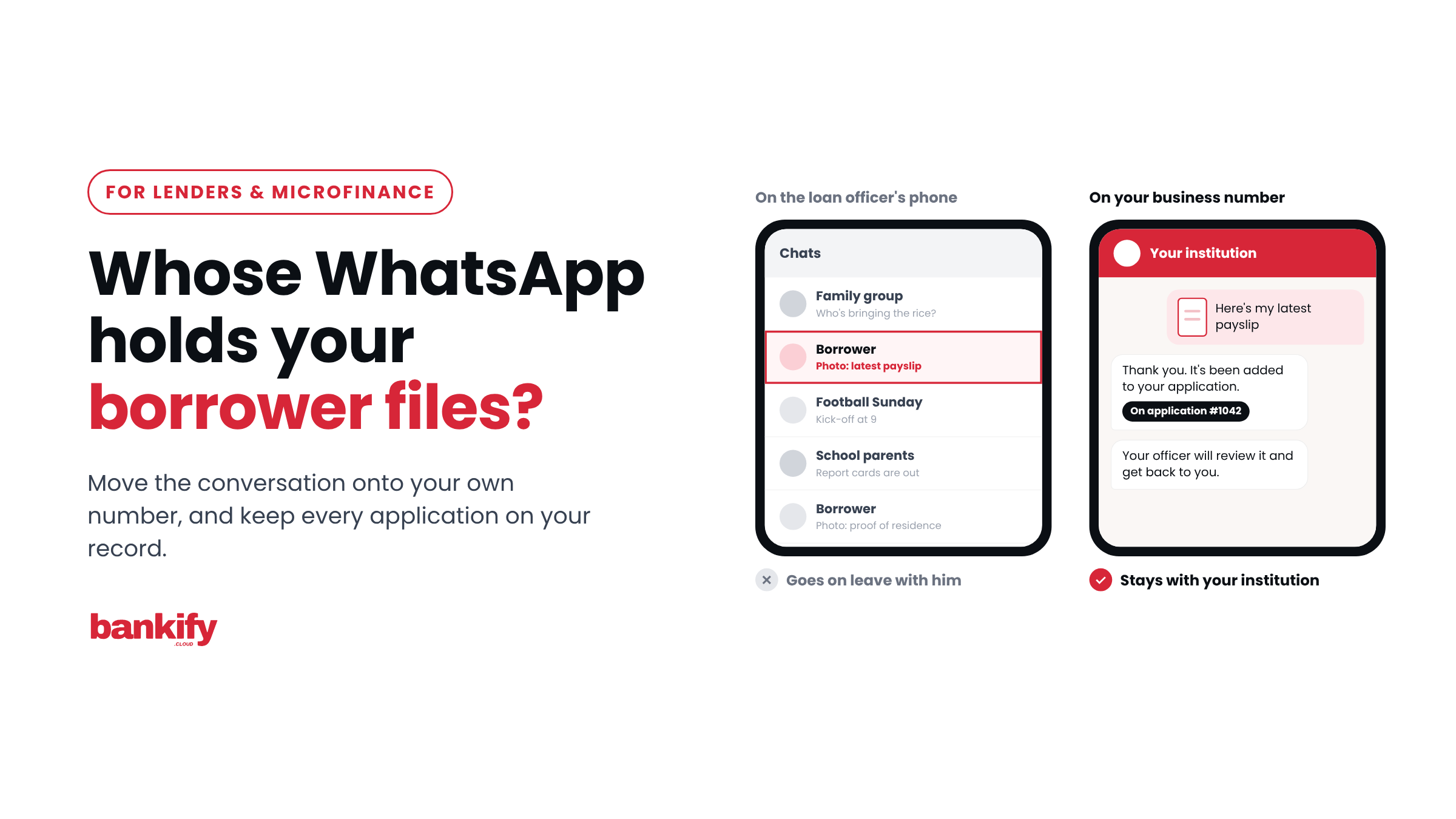
WhatsApp is where your borrowers already message. If your officers collect documents on their own phones today, it's also where your applications already arrive. Borrowers send photos and PDFs in the chat they use every day. Self-service moves that conversation onto your own WhatsApp Business number, set up through Meta.
Messenger: the door beside your Facebook page
If your Facebook page and ads bring in enquiries, Messenger lets those borrowers apply in the same place they found you. The audience is smaller than Facebook's, so Messenger works best as a second door alongside WhatsApp.
Web chat: your website, working as a branch
If your website ends with a phone number or a PDF form to download, a chat window on your own site lets visitors apply while they're reading about your products, on a domain you control.
Mobile app: the most control, and the most steps
An app gives you the most control over the screens your borrowers see. It also asks the most of them: find it in a store, download it, keep space for it and install updates. That makes sense for borrowers who come back every month. For a first application from someone who has just heard of you, a channel they already have open asks less.
Staff-entered: the door for everyone else
DataReportal counted 6.54 million internet users in Zimbabwe at the end of 2025, or 38.4% of the population (Digital 2026). Your branch staff and field officers can capture an application on a borrower's behalf, and in Bankify it lands in the same queue to the same standard as one sent from a phone.
What a WhatsApp conversation costs
On WhatsApp, Meta charges per message, so it's worth knowing the rules before you choose.
1,000
Meta's WhatsApp Business Platform pricing, effective 1 October 2026. Messages borrowers send to you are free.
Since 1 July 2025, Meta has charged per message the business sends, at rates set by the borrower's country. Messages from borrowers to you are free. When a borrower messages you, a 24-hour customer service window opens, and your replies inside it count as service messages. From 1 October 2026, each business number gets 1,000 free service messages a month, and Meta charges from the 1,001st (Meta, WhatsApp pricing). Meta updates its rates only on the first day of a quarter, so check the page when you plan your budget.
Staff time is a cost on every channel. A channel that collects a complete file before an officer sees it leaves less for your officer to finish.
Let your ads open the conversation
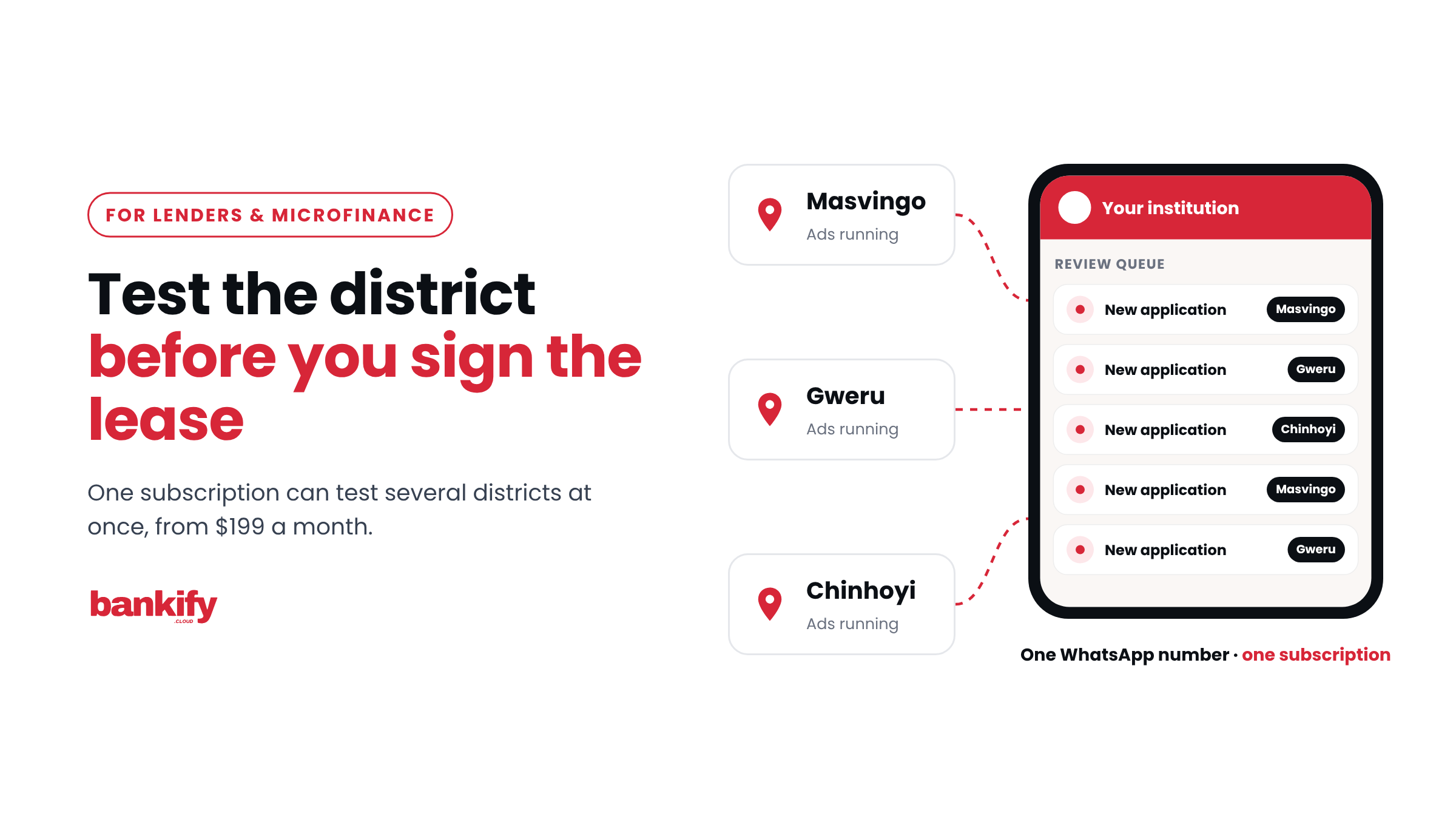
If you already advertise on Facebook or Instagram, your ads can carry a button that opens a chat with you: Send WhatsApp message or Send message on Messenger. A borrower who taps it lands in a conversation with your institution. With self-service, an assistant answers straight away, at any hour, and starts the application while the borrower's interest is fresh.
Ad that opens a page
- Sees your ad
- Lands on a web page
- Finds a phone number
- Calls during office hours
Ad that opens a chat
- Sees your ad
- Taps Send WhatsApp message
- Gets an answer at once
- Starts the application
That makes your advertising a factor in choosing a channel: the channel your ads open is the one your newest borrowers meet first. WhatsApp adds a cost benefit. When someone messages you from a click-to-WhatsApp ad in the WhatsApp mobile app and you reply within the 24-hour window, Meta opens a free entry point window of up to 7 days, during which your service, utility and marketing messages to that borrower are free (Meta, WhatsApp pricing). Setting up and measuring these ads gets its own article later in this series.
One engine, many front doors
The channels you choose are front doors. Behind them, the work should be the same: the same KYC rules, the same loan products, the same review queue.
Every channel, one queue
WhatsApp, Messenger, web chat or staff
The borrower picks the door
The same KYC rules
Documents checked on arrival
One review queue
The channel is recorded on each application
Your officer decides
Checks pass or flag; people approve
Your loan system
Via an integration set up for you
In Bankify, a borrower who enrols on WhatsApp sets a PIN once and can sign in with it on Messenger, and web chat conversations land in the same inbox as WhatsApp and Messenger. Each application records the channel it came from, so you can see which front door your borrowers actually use.
That's what lets you start small. Bankify's published plans begin with WhatsApp on one number, and the Growth plan adds Messenger and a chat widget on your own website. When you add a channel, your KYC rules, products and queue stay exactly as they are.
Choosing your first channel
Match your first channel to where your enquiries come from today:
- Enquiries reach your officers on WhatsApp: start with WhatsApp on your own business number.
- You already run Facebook or Instagram ads: give them a WhatsApp or Messenger button, so every click opens an application.
- Your Facebook page and ads bring in enquiries: add Messenger next to WhatsApp.
- Your website gets visitors who never call: add web chat.
- Borrowers come back every month: an app is worth weighing once the first doors are busy.
- Some borrowers have no smartphone: keep staff-entered applications, landing in the same queue.
Try the channels for yourself. Try the demo assistants in How Lenders Can Use WhatsApp for Loan Applications, or book a 15-minute walkthrough and we'll show you one borrower moving between WhatsApp and Messenger with the same PIN. If you missed the start of this series, read Your Branch Closes at 4:30. Your Borrowers Don't.
Next in this series: Match the Channel to the Borrower: Payroll, SME, Agri and Group Lending.